

Learn at your pace
Explore Bible questions, daily challenges and review tools designed for a steady learning rhythm.
A little curiosity. A deeper discovery.
Explore Bible trivia at your own pace, build a daily learning rhythm and revisit what you have learned. An offline journey in English, French and Spanish.
Google Play · Android · English, French & Spanish
Available on Google Play. Check the store for compatibility and availability for your device and region.
A moment of discovery
Choose an answer, explore the explanation and follow the Scripture reference. See one question lead to the next.
Recorded from the interface files included in the released Android build. Short idle pauses have been removed.
Explore the player guide →The daily challenge asks “Who built the ark?” with Moses, Noah, Abraham and Joseph as choices. Noah is selected. “Correct. Well done.” appears with an explanation and Genesis 6:14 (KJV). Next opens a question about Moses and the burning bush.
Inside Kingdom Quiz
Real development-interface captures from the current project. Example progress is shown for demonstration; appearance and features may change.
On small screens, swipe through the previews or focus the gallery and use the arrow keys. Select an image to view it full size.
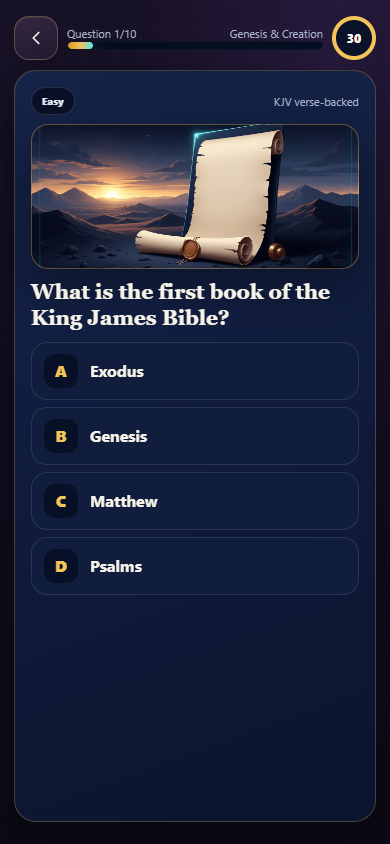
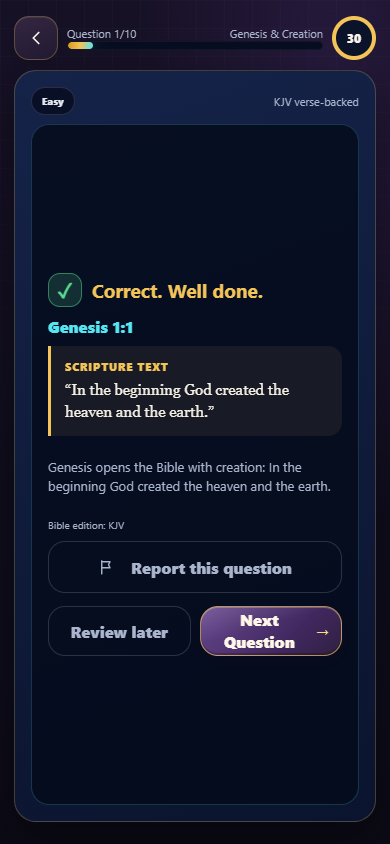
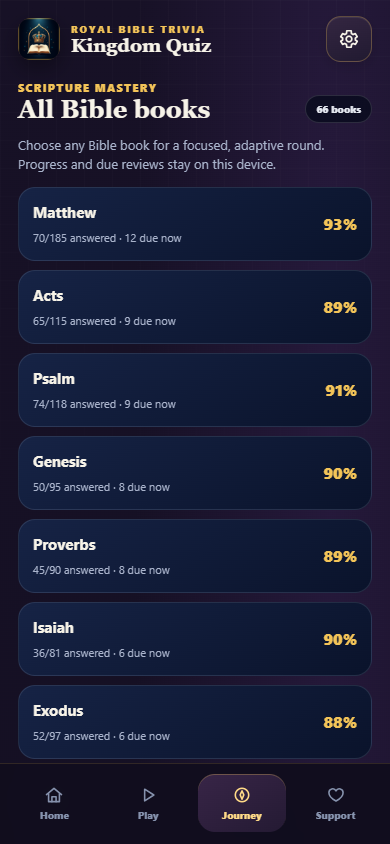
Explore Bible questions, daily challenges and review tools designed for a steady learning rhythm.
Choose English, French or Spanish. Questions and artwork are packaged for offline play.
Progress stays on your device. Export and import a backup only when you choose.
English, French and Spanish. Your language preference is saved on your device.
Yes. The main Android game includes its questions, translations and artwork for offline play. External help and sharing use another app.
Use the game’s export option to save a JSON backup to a location you choose. You can import that file when needed. Keep it secure.
Questions about progress, purchases or privacy? Start with the game’s dedicated resources.
Email opens a draft in your mail app. Nothing is sent until you choose to send it. You can also write to support@megaorbit.ca.