
A tool with a pulse
Drag the magnet across the workbench. Charge and release a pulse to open locked cases and recover alloy, circuits and energy cells.
Workshop restoration · Version 1.3.7
Restore a small orbital workshop, one recovered part at a time. Now play in portrait or landscape.
Drag the magnet across the workbench. Charge and release a pulse to open locked cases and recover alloy, circuits and energy cells.
Reconnect the lights, repair the receiver, restart the heater, grow a garden and power the beacon.
Earn tool upgrades and permanent perk choices. Improve your salvage rank and supply passing crews through optional commissions.
New in 1.3.7
Turn your phone sideways to keep the station beside your controls. Prefer portrait? Turn it upright and keep going.
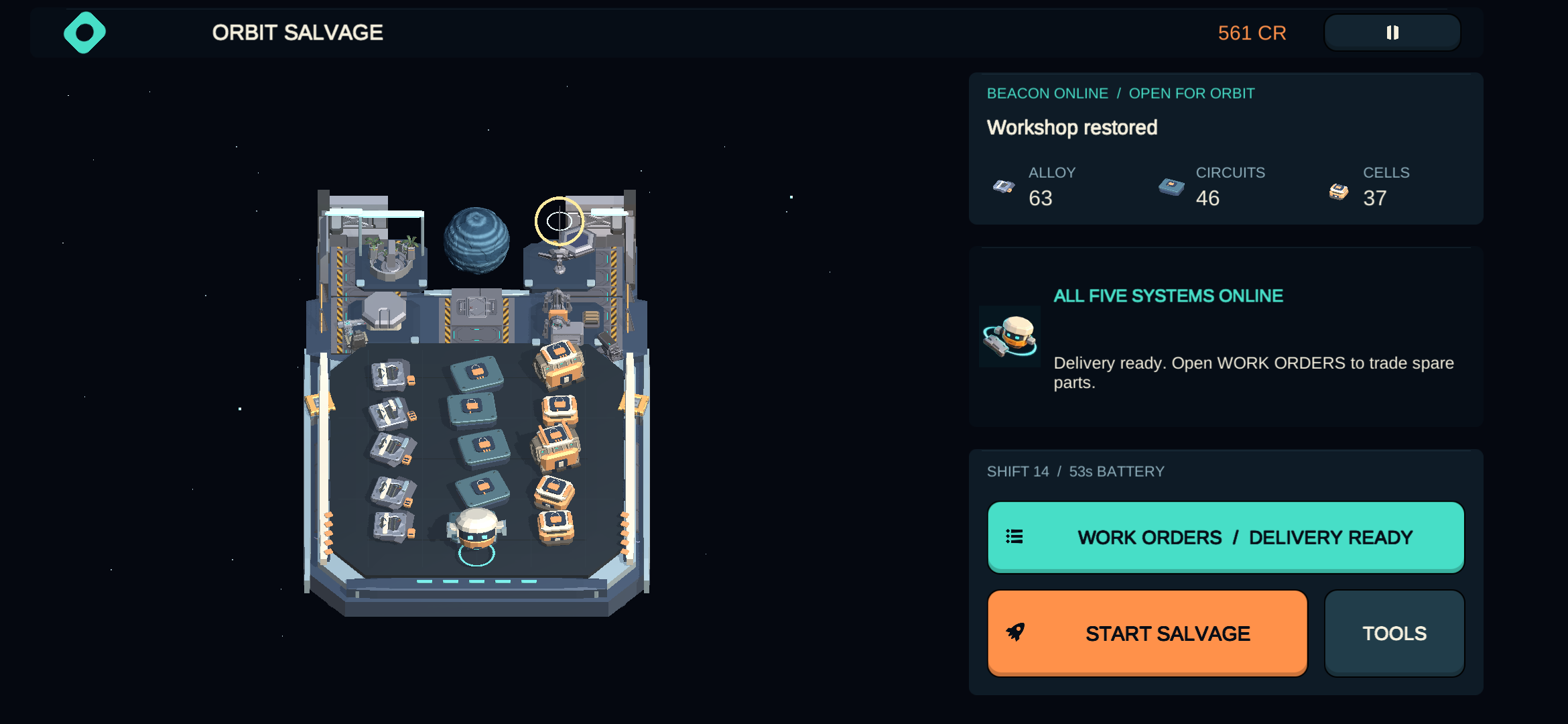
Enable auto-rotate on your phone to switch between portrait and landscape. Orbit Salvage respects your phone’s rotation lock.
Scroll through tools, perks and work orders when the window is short. Your progress and Reduced Effects preference carry forward.
If you turn the phone while charging, the pulse cancels safely. Hold again when you’re ready to charge.
Open locked finds, collect useful parts and put them to work.
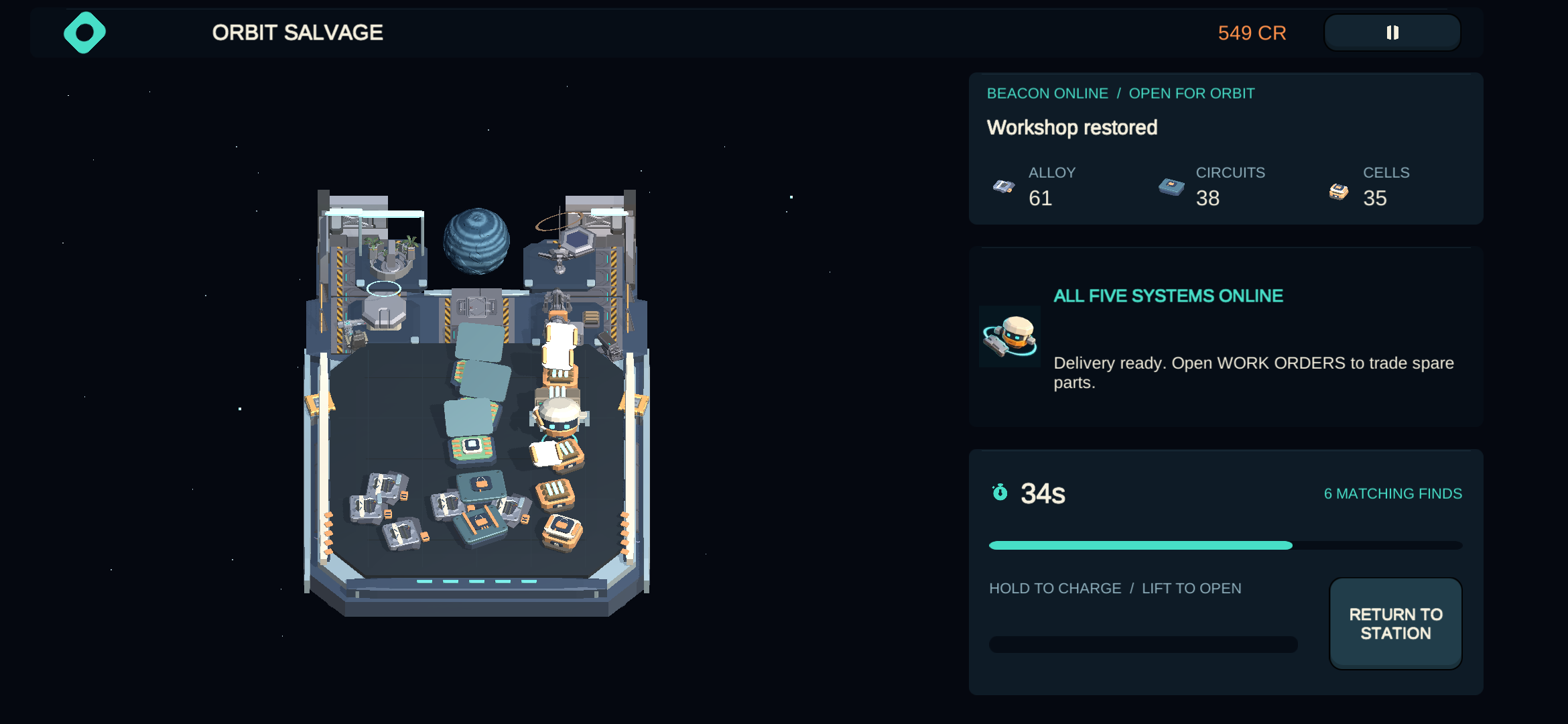
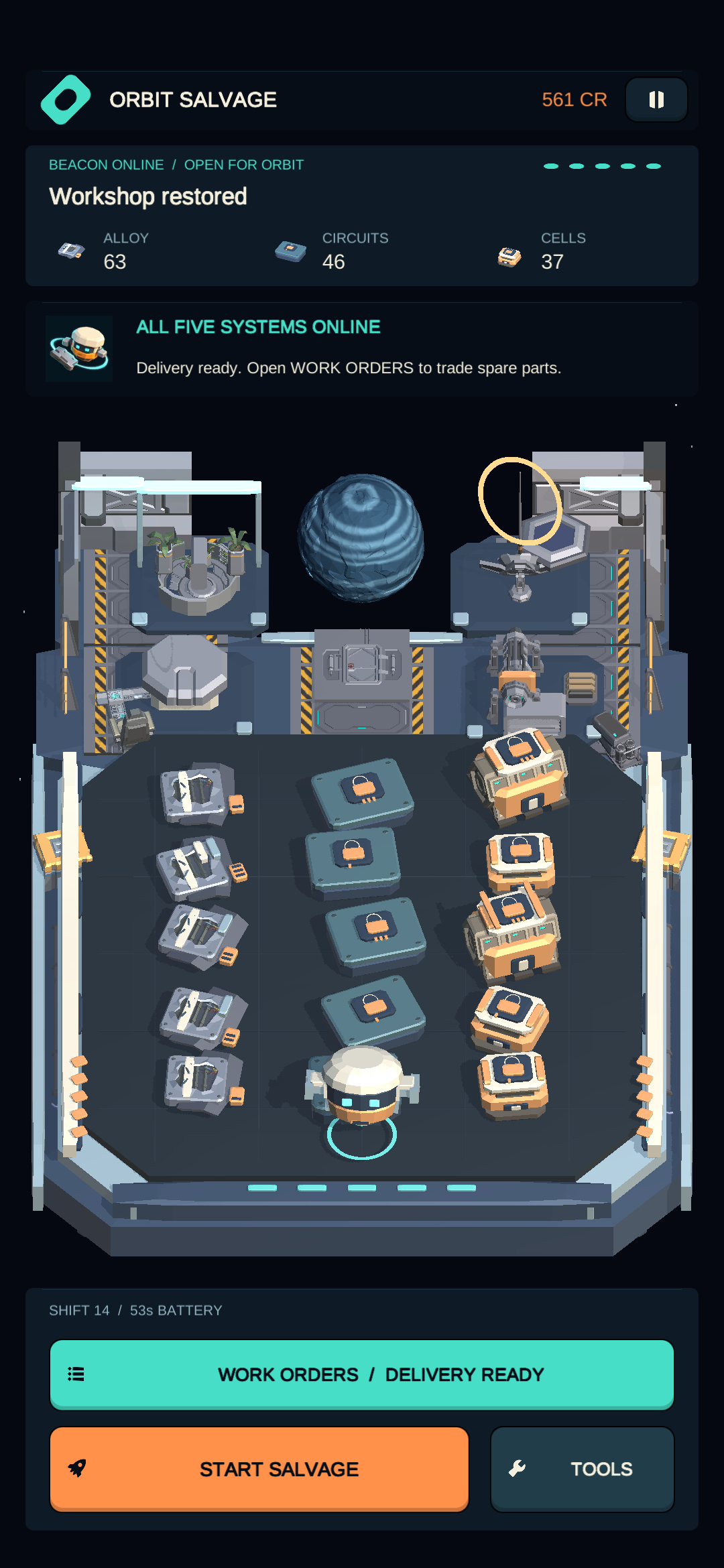
Actual Android gameplay · Samsung Galaxy S22 · Version 1.3.7 (18). Unmodified screenshots captured on 25 October 2026 during Play internal testing of the build now available on Google Play. Select any image to open it at full resolution.
The current version contains one five-contract chapter, with free salvage and commissions afterward. Progress is stored locally. No game account, ads or in-app purchases are included.
Learn at your own pace with untimed opening lessons. Reduced Effects in Pause calms decorative movement and bursts while keeping charge cues visible. Your preference is saved on your device.
For controls, saved-progress help and contact details, visit player support. Our privacy policy explains local saves and optional support requests.